
Everything you need to deliver exceptional photo experiences

Fliqa-AI brings gallery delivery, privacy controls, smart sharing, face-search capabilities, and practical insights into one thoughtful workspace.

  • Professional teamsBuilt for delivery workflows
  • Owner controlledPrivacy and access settings
  • One workspaceClear gallery operations
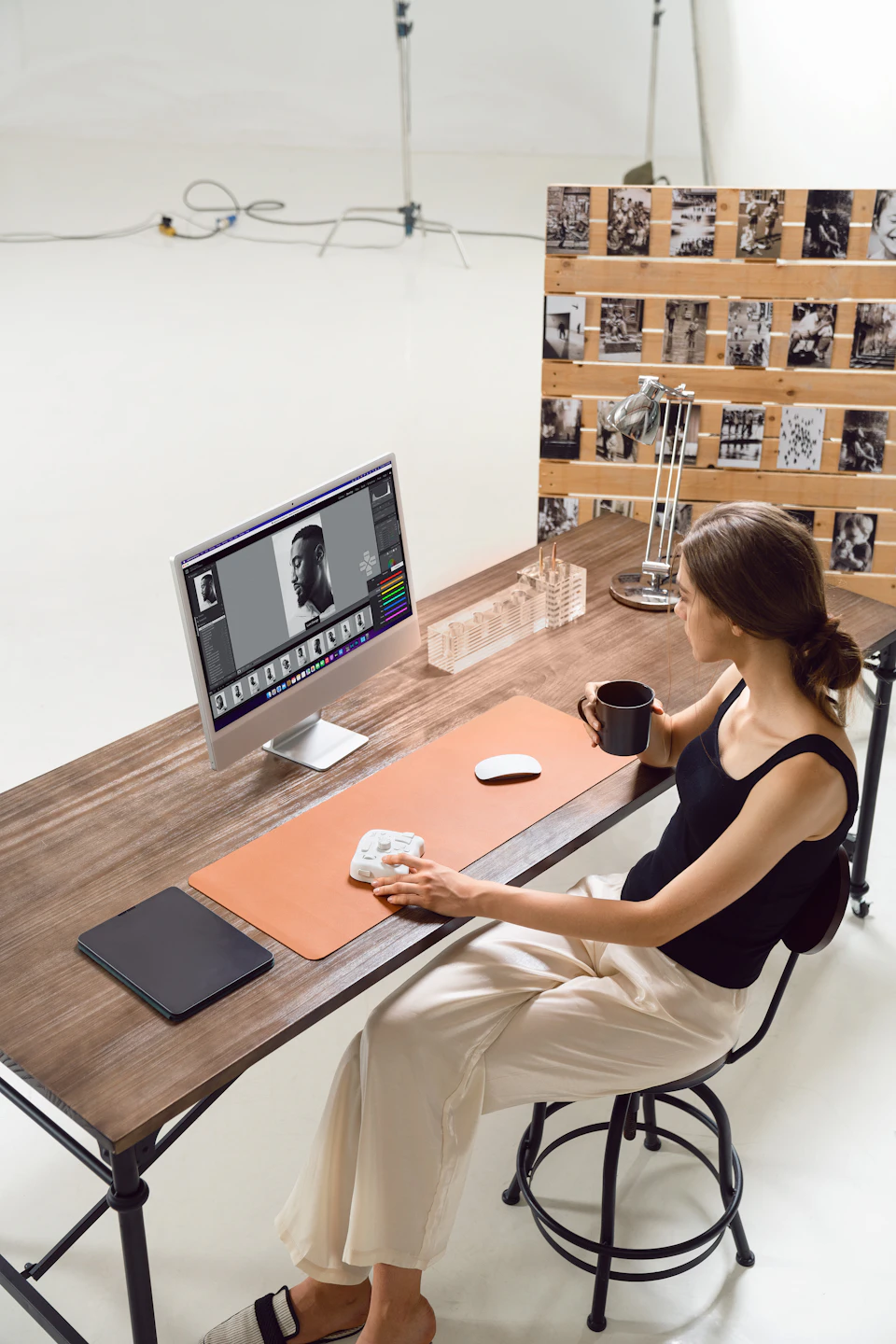
Fliqa-AI gallery delivery dashboard

Powerful features that simplify your workflow

From capture and organization to secure sharing and delivery insights, each tool helps teams manage photo experiences with confidence.

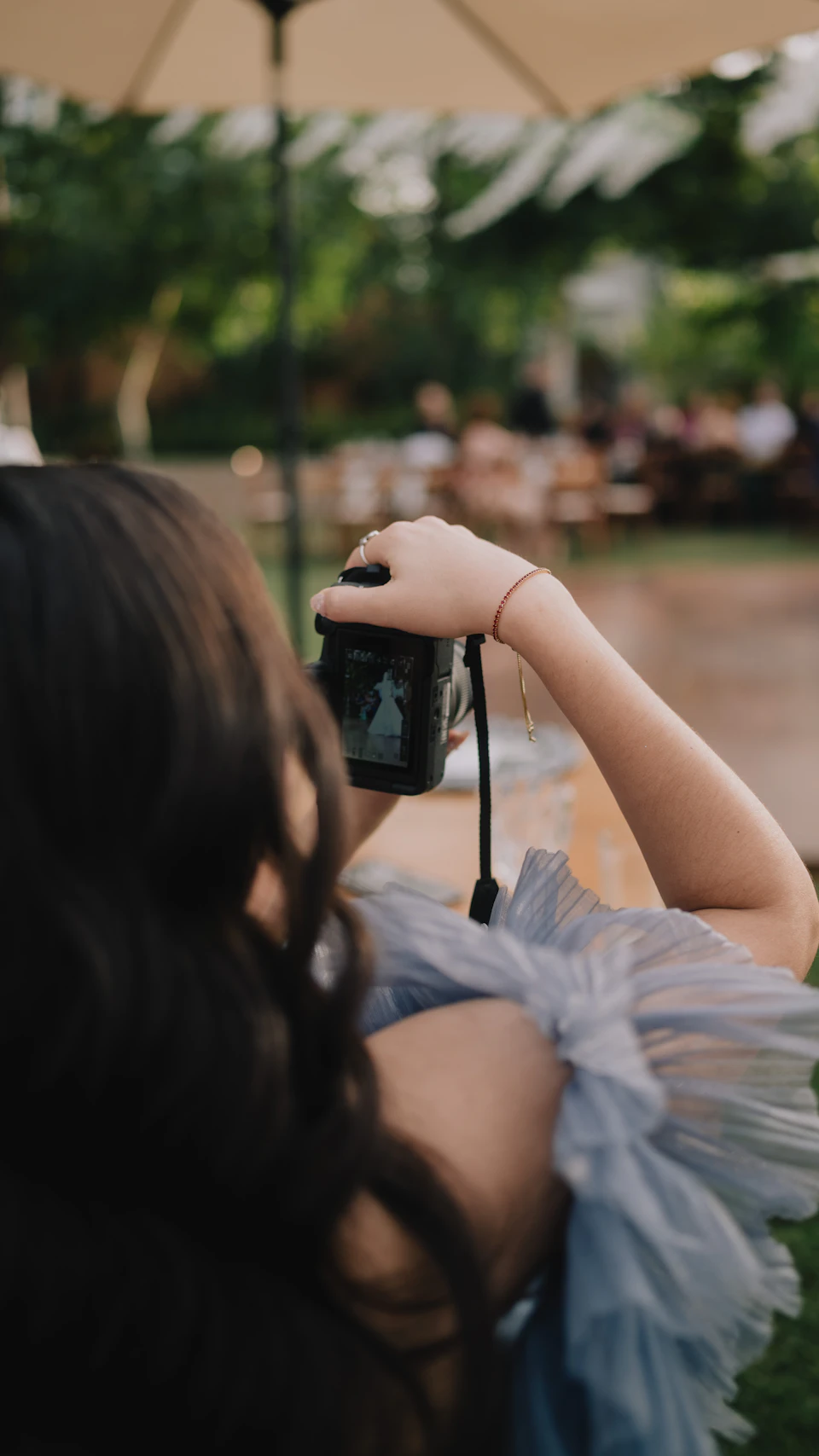
Photographer capturing an outdoor event
01

Smart Upload

Bring event photos into an organized gallery workflow from desktop, mobile, camera storage, or approved studio sources.

  • Organized multi-image uploads
  • Clear upload-status visibility
  • Gallery-based file organization
  • Controlled storage handling
Responsive photo gallery on a desktop display
02

Beautiful Client Galleries

Create polished, responsive galleries that clients and guests can enjoy comfortably across desktop and mobile devices.

  • Branded gallery presentation
  • Responsive viewing on every device
  • Favorites and selections where available
  • Owner-controlled downloads
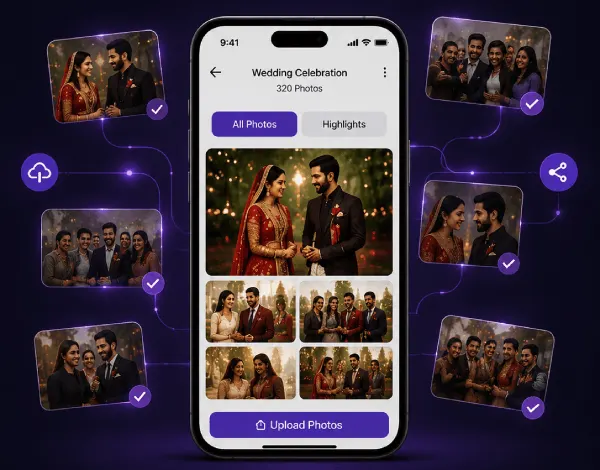
Photo gallery opened on a mobile device
03

Instant, Controlled Sharing

Share galleries through supported methods while keeping access and download permissions under the gallery owner’s control.

  • Shareable gallery links
  • QR-code and access-code sharing
  • Gallery expiry and privacy controls
  • Device-friendly guest access
Gallery activity dashboard on a laptop
04

Practical Gallery Insights

Understand how galleries are being viewed and used through the analytics currently available in the platform.

  • Gallery-level viewing activity
  • Download activity where enabled
  • Favorites and selections where available
  • Recent delivery visibility
Secure gallery access preview
05

Privacy and Access Control

Keep gallery access, downloads, and visitor interactions under the control of authorized gallery owners and administrators.

  • Private gallery states
  • Access-code protection
  • Owner-controlled downloads
  • Role-aware administration

From a new gallery to a finished delivery

Five connected steps keep setup, access, photos, sharing, and activity in one understandable flow.

  1. 01

    Create Gallery

    Set up the event and gallery details.

  2. 02

    Configure Access

    Choose privacy and download rules.

  3. 03

    Upload Photos

    Add and organize the event collection.

  4. 04

    Share Link or QR

    Give guests a simple way in.

  5. 05

    Deliver & Review

    Monitor available gallery activity.

What teams can manage in Fliqa-AI

A grounded view of the controls and workflows represented across the product.

Compare plans

Gallery Management

  • Create and organize galleries
  • Privacy settings
  • Access codes
  • Download controls

Delivery

  • Share links
  • QR sharing
  • Responsive guest experience
  • Favorites where implemented

Operations

  • Gallery activity visibility
  • Admin management
  • Role-aware access
  • Website content controls

AI and Search

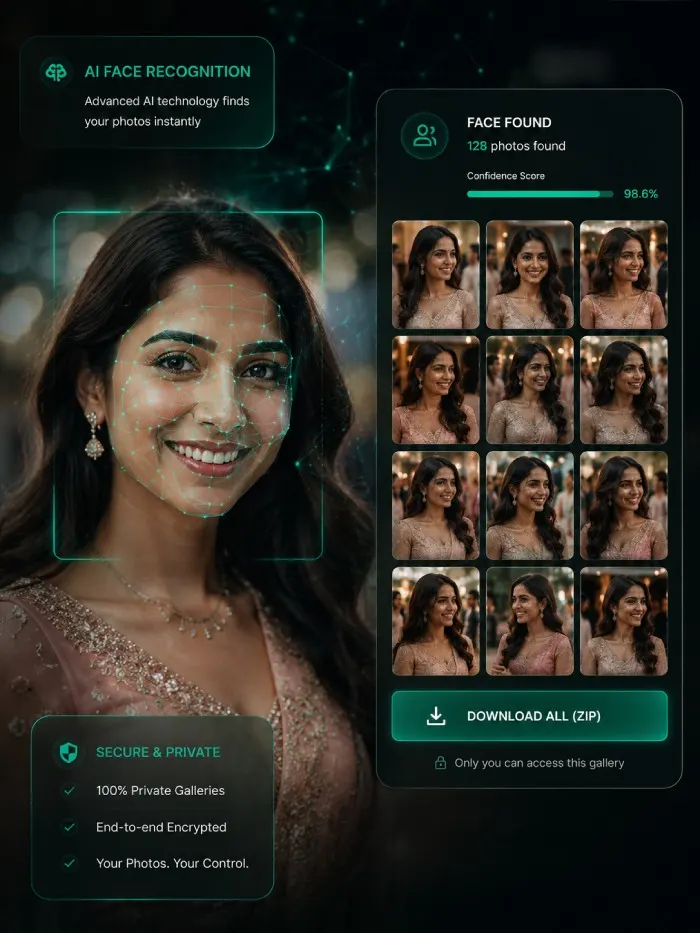
  • Optional face search
  • Provider-dependent setup
  • Consent-based guest flow
Elegant event venue prepared for guests
Built for thoughtful photo delivery

Ready to deliver better photo experiences?

Create secure galleries, organize event photos, and give clients a polished delivery experience with Fliqa-AI.