
Weddings

Wedding photo delivery that families can actually use

A wedding can mean several functions and a lot of guests asking for their photos. Fliqa AI puts the whole event in one private gallery that couples, families and guests open in a browser.
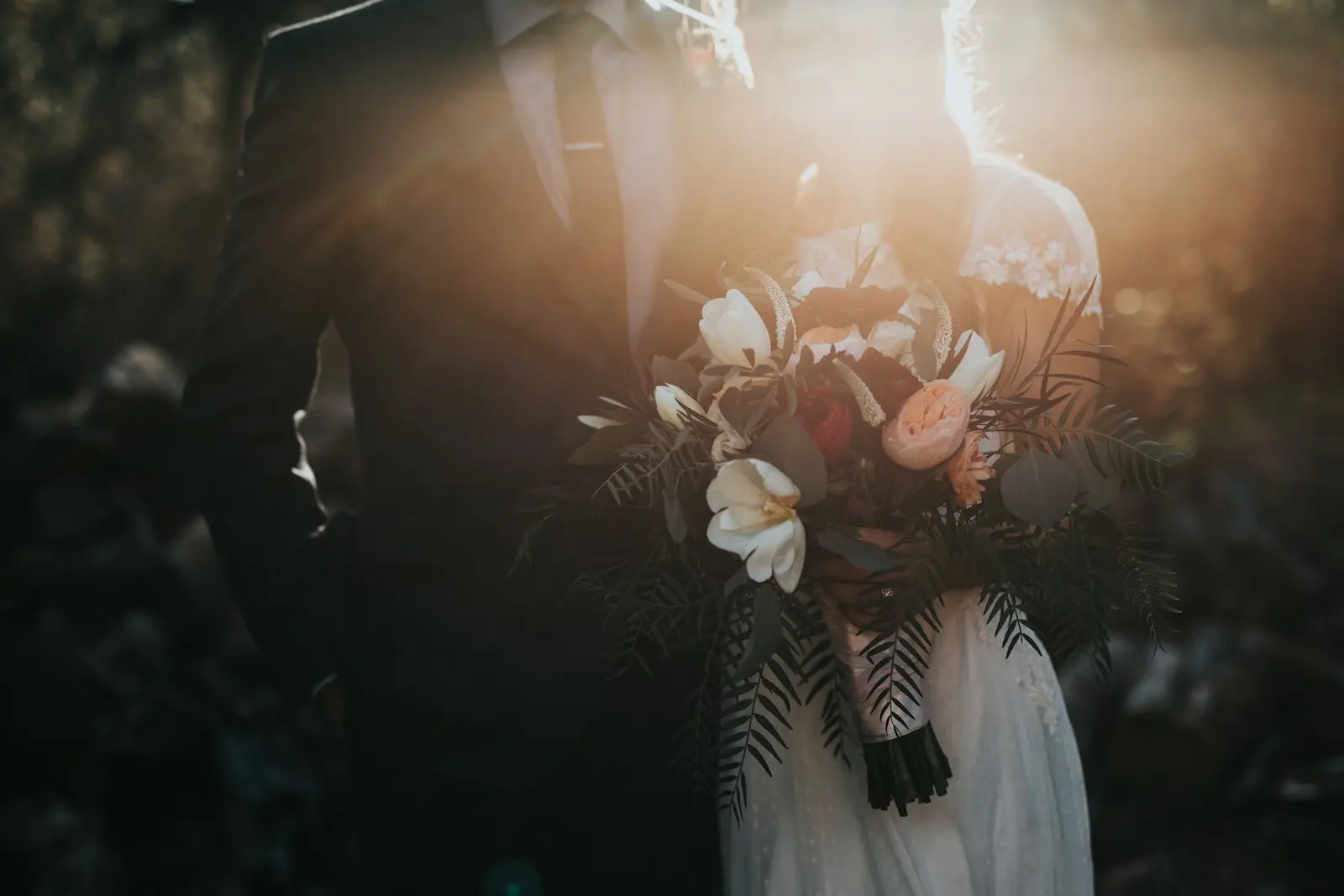
Wedding photographer capturing a couple during their ceremony

How it works

  1. Create the gallery. Create a gallery for the wedding and upload the selected photos from the shoot.
  2. Choose who can open it. Keep it public by link, or make it private with an access code. Add an expiry date if the gallery should close later.
  3. Share at the venue or afterwards. Send the private link to the couple, or show the QR code at the venue so guests can open the gallery on their phones.
  4. Guests find their own photos. If you switch on face search for the gallery, a guest can take a selfie, give consent, and see the photos they appear in.

What you control

Good to know

Read how QR sharing works and how consent-based face search works, compare plans, or see the four-step workflow.